You spent an hour on a monster. Statted it properly, found the right artwork, wrote three hooks about where it came from. It was good.
It is also stuck in the campaign you built it for.
That is the problem the Shelf solves. Select an entity in one vault, send it to the Shelf, switch to another vault, and import it. The whole thing arrives — stat sheet, artwork, sound bite, labels, lore — ready to use.
How it works
Three ways to put something on the Shelf:
- Open an entity and click Send to Shelf in its header
- Select several entities in the graph, right-click, Send to Shelf
- Do the same from the table view
Then switch vault, open the Shelf from the sidebar, tick what you want, and import.
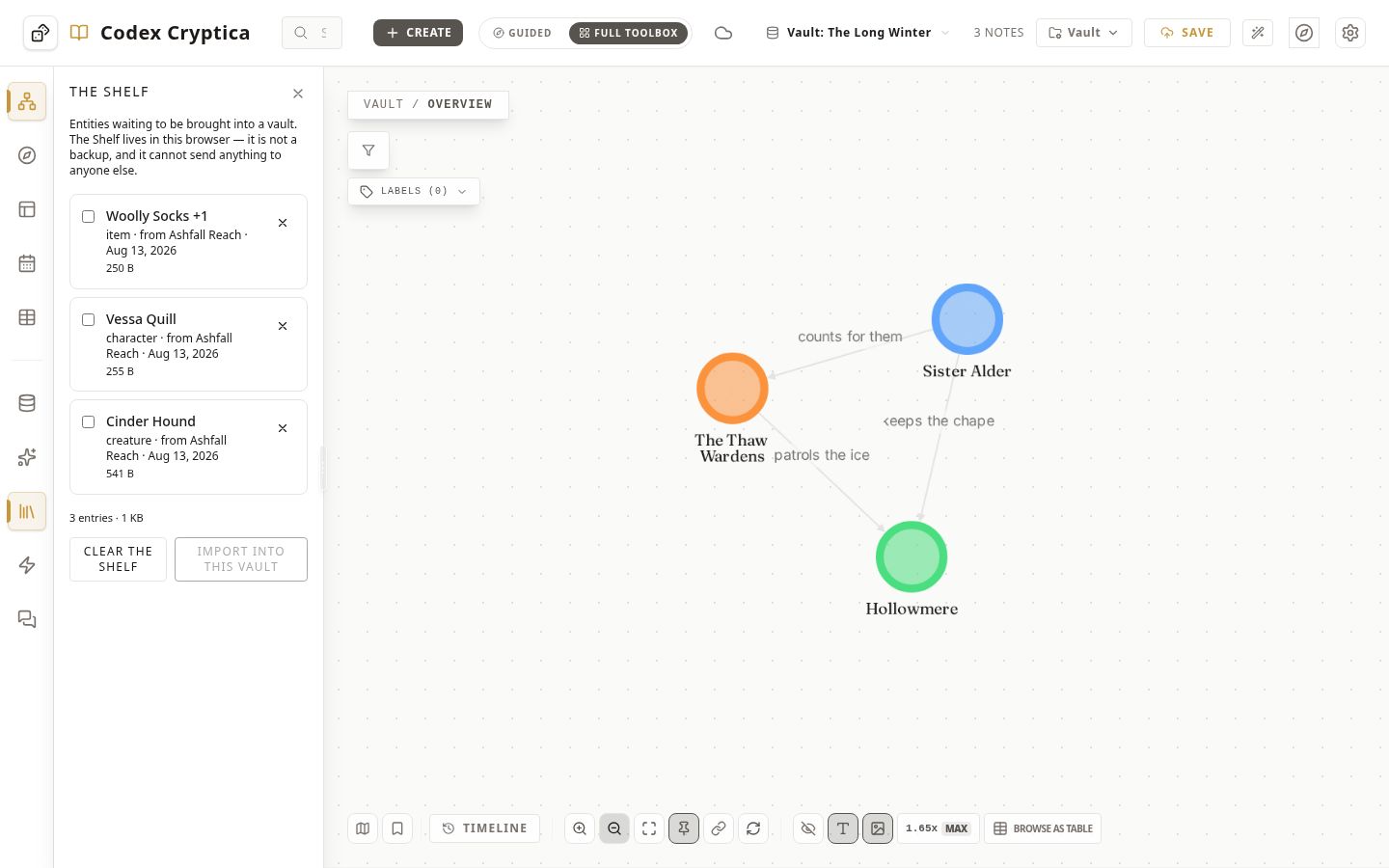
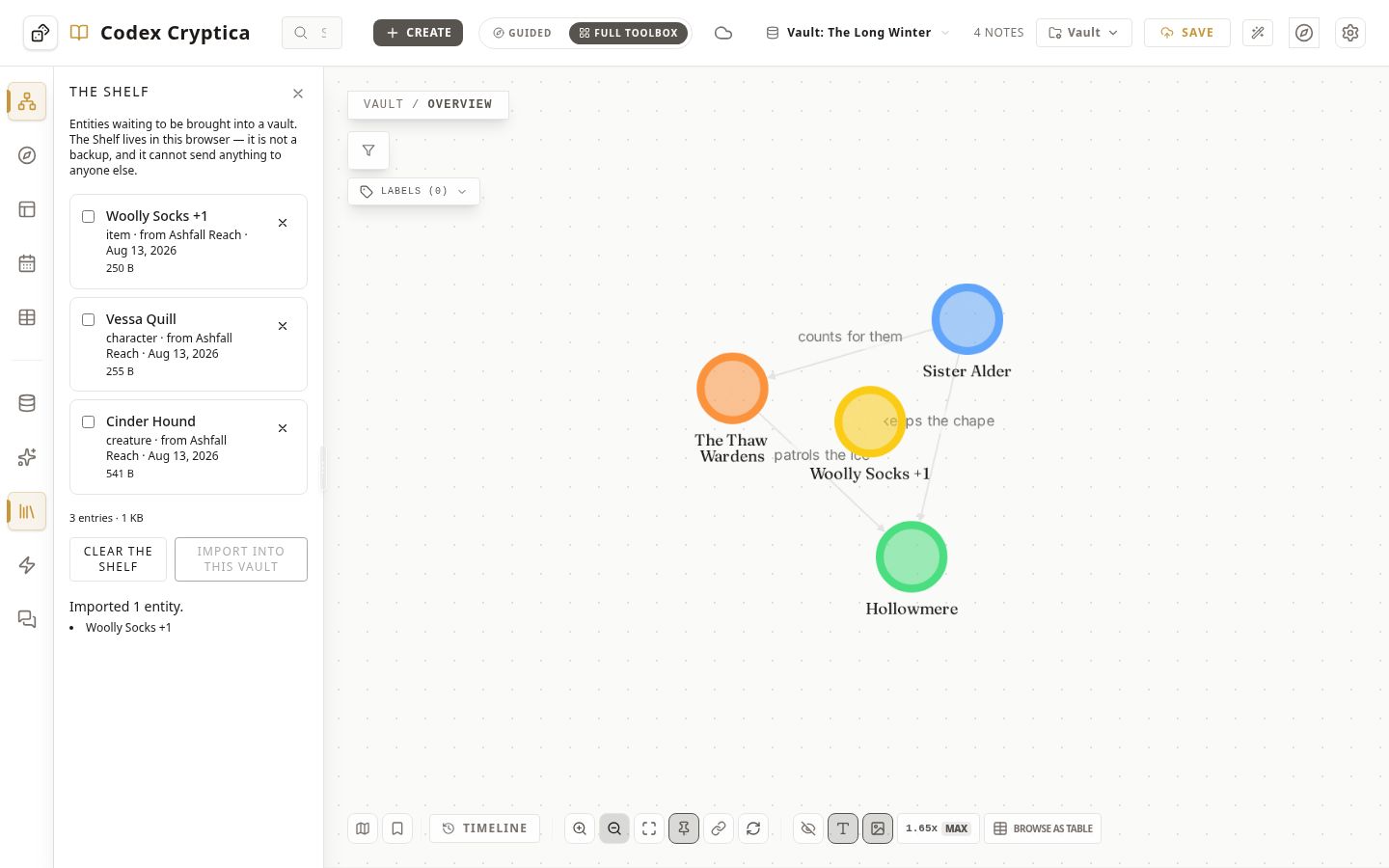
Entries stay on the Shelf after you import them. Shelve a monster once and drop it into three campaigns.
What actually comes across
This is the part normal file export usually loses. You get the text, and everything that made the entity worth reusing stays behind.
The Shelf carries:
- The stat sheet, and the template behind it. If your Cinder Hound uses a custom monster template you built, that template comes too. The sheet renders in its new home exactly as it did in the old one.
- Artwork and thumbnails. The actual image files, not a link to somewhere they used to be.
- Sound bites, including the audio.
- Labels, aliases, dates, lore, and your notes.
- Links between entities, with some care about how — see below.
Nothing gets flattened into a generic export format. The Shelf copies the entity as your vault already stores it.
Links, and why we refuse to guess
Say you shelve a faction and four of its members together. The links between those five are rebuilt in the destination.
Harder: your Goblin King links to a Shrine of Ash you did not shelve. If the destination vault has a Shrine of Ash, the link reconnects to it.
If the destination has two things called Shrine of Ash, the Shelf leaves the link off and tells you.
That is deliberate. A missing link is annoying, but you will notice it. A link silently attached to the wrong shrine is worse. Nothing about it looks wrong, so you never go looking, and it quietly misinforms every session until someone trips over it.
The same principle applies to names. Importing a Goblin into a vault that already has one never overwrites the original. You get both, the new one numbered, and a note saying which was renamed.
What the Shelf is not
Worth being blunt, because this shapes whether it fits how you work.
It is not a backup. The Shelf lives in your browser's storage on this device. Clearing site data removes it. Use vault backups for backups — that is what they are for.
It cannot send an entity to another person. No links, no file to email your co-GM. If you want to hand your bestiary to someone else, the Shelf is not the route.
It does not reach your other devices. A monster shelved on your laptop is not on your phone.
Think of it as a workbench you carry things across on, not a place to store them. It shows how much space it is using, and you can clear it whenever you like.
This is intentional. Your Codex vaults already live locally on the same device, so they can hand entities directly to each other. There is no export format to manage and no temporary file to keep track of. The trade-off is that the Shelf stays on that device. It is built for "put this monster in my other campaign", not "send this monster to someone else".
No AI is involved anywhere in this, and nothing touches the network.
A note on what this is for
The reason to reuse an entity is rarely laziness. It is that a good NPC has already been playtested. Your players have met her, reacted to her, told you which parts landed. Carrying her into the next campaign brings all of that with her, and saves you rediscovering it.
The Shelf just stops the vault boundary from being the thing that prevents it.
Try Codex Cryptica — free, local-first, and yours.