How to
How do I give players immersive handouts and props in an online RPG?
Recreate a physical prop online by splitting it into a reveal and a record: show one clear image or short text at the moment the characters find it, give any secret part privately to the player whose character found it, and file a readable text version where the whole party can find it later. Use the chat, private messages or handout tools you already have, keep filenames and previews free of spoilers, and let the finder decide what to share.
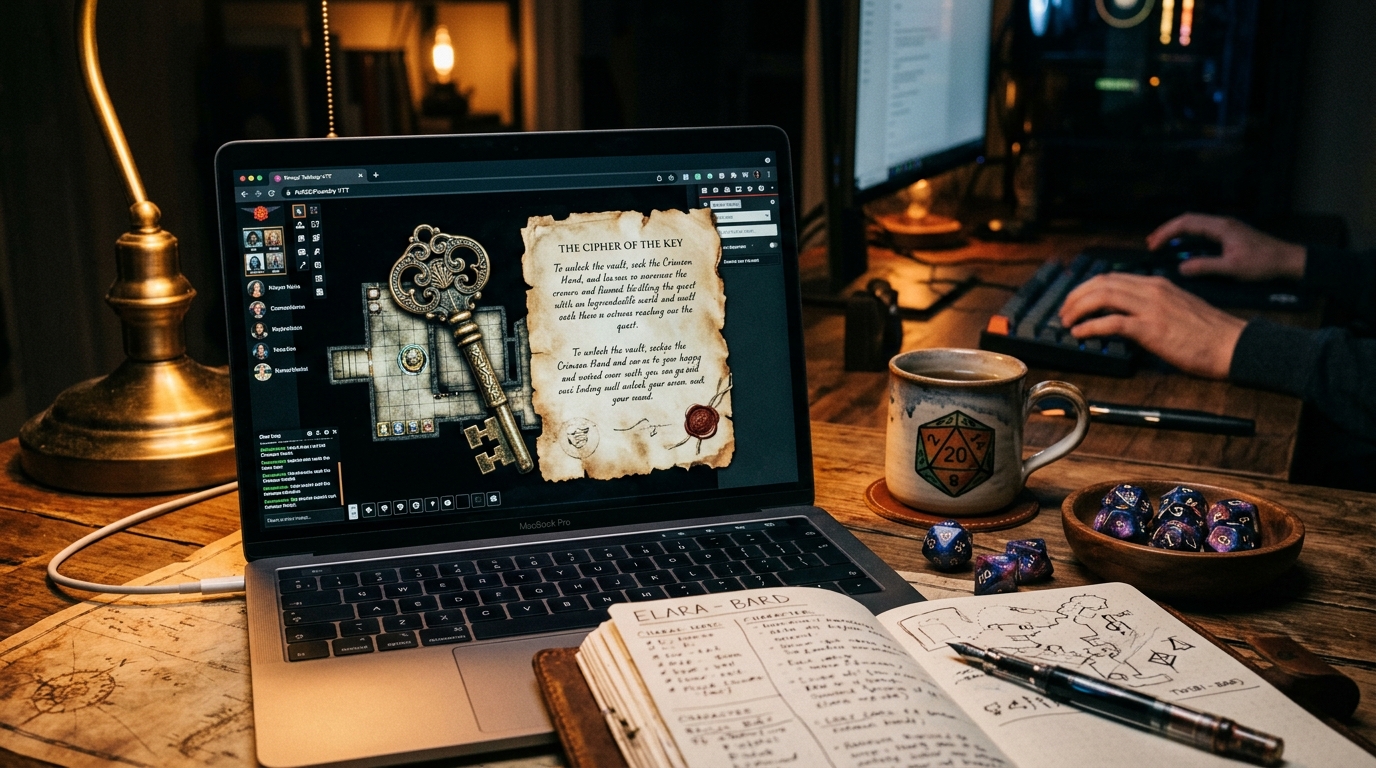
What a physical prop actually does at the table
Handing a player a brass key works for three reasons that have little to do with brass. The whole table sees the moment of discovery at the same time. One person holds the object, so ownership is clear without anyone saying so. The finder turns it over, reads the inscription, and chooses whether to show the others. Timing, ownership and that small choice are the effect to rebuild online.
That gives every prop two jobs. The reveal is theatrical and happens once: the image appears, the letter is opened, the map section is uncovered. The record is ordinary and has to last: a named file or message the party can find again in three sessions without asking you where it went. A prop that only does the first job gets lost in chat scroll. A prop that only does the second arrives as homework. Prepare both, but keep them as the same short artefact, not a document with a trailer.
Choose the simplest format for each prop
| Prop | Simplest online format | Watch out for |
|---|---|---|
| Item card, ring or amulet | One shareable image with the art large and the game effect in a few plain lines beneath it, plus the same text typed out | Art that looks fine on a monitor can be unreadable on a phone. If the effect matters, it belongs in text, not only in the picture |
| Letter, torn note or proclamation | A formatted image or PDF for the look of it, with the full wording pasted as plain text in the same message | Handwriting fonts and scanned paper fail at small sizes. The text version is the handout; the image is the dressing |
| Key, seal or relic | A single clear illustration, a short description, and a note of who is carrying it | Resist writing a full history at this point. The object earns its lore through play, and a long file flattens the moment of finding it |
| Map or floor plan | An image showing only the area the characters can see, enlarged or cropped as they explore | Check what the edges show. Unexplored rooms, secret doors and your labels leak easily in a full map export |
| Puzzle or fragmented clue | Separate small pieces, each released when the party earns it, numbered so the set can be assembled later | Release pieces as individual messages or files. One combined file posted early gives away how many pieces exist and often their order |
| Newspaper, poster or notice | A one page image or short text post in the shared channel, dated in the fiction | Keep it to what a reader in the setting could act on. A page of background prose reads as an info dump, not a prop |
Four ordinary ways to deliver a handout
None of these needs a bot, a macro or a new app for your players. Pick per handout, based on who should see it and for how long:
- The shared text channel Post the image or text in the channel your group already uses for play, at the moment the characters find it. This is the default for anything the whole party may know. Pin it, thread it or copy it into your handout channel afterwards so it survives the scroll.
- A private message to one player Send the secret part directly to the player whose character found, stole or was given it: the inscription, the second page, the name only their character would recognise. Private messages are the online equivalent of sliding a folded note across the table, and they need no special features at all.
- The handout or image tool in your virtual tabletop, if you use one Showing an image to the table from inside the tool you already run the game in keeps eyes in one window. Learn the show to players control and check its audience before revealing an image; leave advanced journal organisation and automation until needed. Groups that play by voice and chat can skip this entirely.
- A view-only document or folder link Best for the record rather than the reveal: a short primer, the collected clues, the maps the party has earned. Set it to view only, check the sharing list, and post the link in the same place every time. Do not use a link as your only copy of a one time reveal, because links get buried as fast as messages do.
Screen sharing a handout from your own machine is a reasonable fifth option for a quick look, but it makes a poor record. Follow it with the file or text in the channel so players keep something.
Decide who sees what before you prepare the file
Most online spoilers are accidents of filing and preview, not players peeking. Sort each handout into one of three audiences first:
- Public party handouts Anything every character present could see: the found letter read aloud, the map on the table, the poster on the wall. Post these openly and file them where everyone can return to them.
- Private character clues Anything only one character has: a whispered name, a page torn out before the others arrived, a symbol only the cleric's order would know. Send these to that player alone and keep your only copy out of the shared folder until they choose to share it.
- Timed reveals Pieces the party will earn in sequence, or a second image that answers the first. Prepare them in advance but keep them in your GM folder, and release each one at its moment rather than uploading the set at the start of the session.
- Filenames and previews are visible text Rename files before uploading: key-inscription-betrayal.png tells the story before you do. Use neutral names such as brass-key.png and brass-key-note.txt, check what a link preview or thumbnail shows, and test document permissions with the sharing setting itself rather than assuming a folder is private.
- Keep the player copy separate from your notes Write the handout as its own short file, in its own words. Sharing a view of your session notes, with the secret paragraphs hidden or collapsed, risks an export or permission change showing everything at once.
Example
Worked example: a mysterious key, revealed in two parts
The rogue's character finds a brass key in a drowned toll house. At that moment, post the same readable description in either version: 'A heavy brass key, green at the edges, warm from the flooded room.' Its guild inscription reads: 'For the keeper of the low gate. Do not knock.'
- Public translation
- Post the inscription in the shared channel at once. Everyone knows it immediately, so the finder cannot choose when or whether to share it.
- Private translation
- Send the same inscription privately to the rogue's player at the same moment. They may share it immediately, paraphrase it or withhold it; any of these is a valid response.
- Public record
- File the description where the party can return to it. Add the inscription only in the form the finder has shared it; leave it out while it remains private.
Make handouts readable on a phone and findable next month
Assume at least one player is on a phone, on a small laptop, or reading in poor light. Keep images a sensible size so they open quickly, put the wording in real text as well as in the picture, and check the contrast between text and background before the session. A typed text alternative also covers players who use a screen reader, players who want to search for a name later, and you, when you need to quote the handout back accurately.
Agree one home for handouts and use it every time: a pinned message, a handout channel, or one shared folder. Name files for the fiction and the session, such as toll-house-key or session-12-letter, rather than final-v2 or export(3). Note who carries each item on the record itself. A prop collection only stays manageable while it stays small, so give a full document only to handouts the party will consult repeatedly, such as a primer or a map index, and keep one time reveals to an image and a few lines. If a handout needs no return visit, let it be a moment and a short entry in the session notes.
Before you reveal a handout online
- Split the prop into its public reveal and any private part, and prepare each as its own message or file.
- Choose the delivery route by audience: shared channel for the party, private message for one character, view-only link for the lasting record.
- Rename the file so its name, thumbnail and link preview give nothing away.
- Paste a typed text version alongside any image or PDF, and read it once at phone size.
- Check sharing settings on the actual document or folder, and keep your GM copy somewhere separate.
- Reveal at the moment the characters find the prop, then stop talking and let the finder respond.
- After the session, file the public version in the one agreed place and note who is carrying the item.
Was this useful?
Keep the lasting record somewhere the party can revisit
The reveal itself is better handled in the chat or tabletop tool your group already uses, because that is where the moment happens. Codex Cryptica suits the other half of the job: keeping the public version as a campaign entity the party can return to, linked to the place, faction or character it belongs to, so a key found in session twelve is still findable in session thirty.
A read-only guest snapshot can share that public layer with players, and it excludes drafts and entities hidden by guest visibility settings. Review the snapshot before sharing it, and treat it as a whole party publication. It is not a per player secret delivery system, so send a private inscription or clue through a private message in your usual chat tool and only add it to the shared record when its owner chooses to share it.
See the campaign managerRelated
Tools
- Campaign manager Keep the public version of each handout as a linked campaign record the party can revisit between sessions.
- RPG knowledge graph Connect a handout to the place, faction, character or item it concerns, so players can trace what it relates to.
Other answers
- How do I run my first online tabletop RPG session?
- Should I share worldbuilding notes and lore with my players?
- How do you write an in-world newspaper for an RPG?
- How do I run a successful Session 0?
- How do you help players remember what happened in a TTRPG campaign?
- How do I get players to engage with my campaign world?