How to
How do I run my first online tabletop RPG session?
Start with voice chat everyone can hear clearly, character sheets in whatever tool your players already use, and a shared map or virtual tabletop (VTT) only for scenes that need one. Two programs with separate jobs, such as one for voice and one for maps, is a normal setup, not too much. Run a short technical rehearsal before the first session, agree how people will signal, take turns and take breaks, and keep every other tool out until play shows you need it.
You already know the hard part
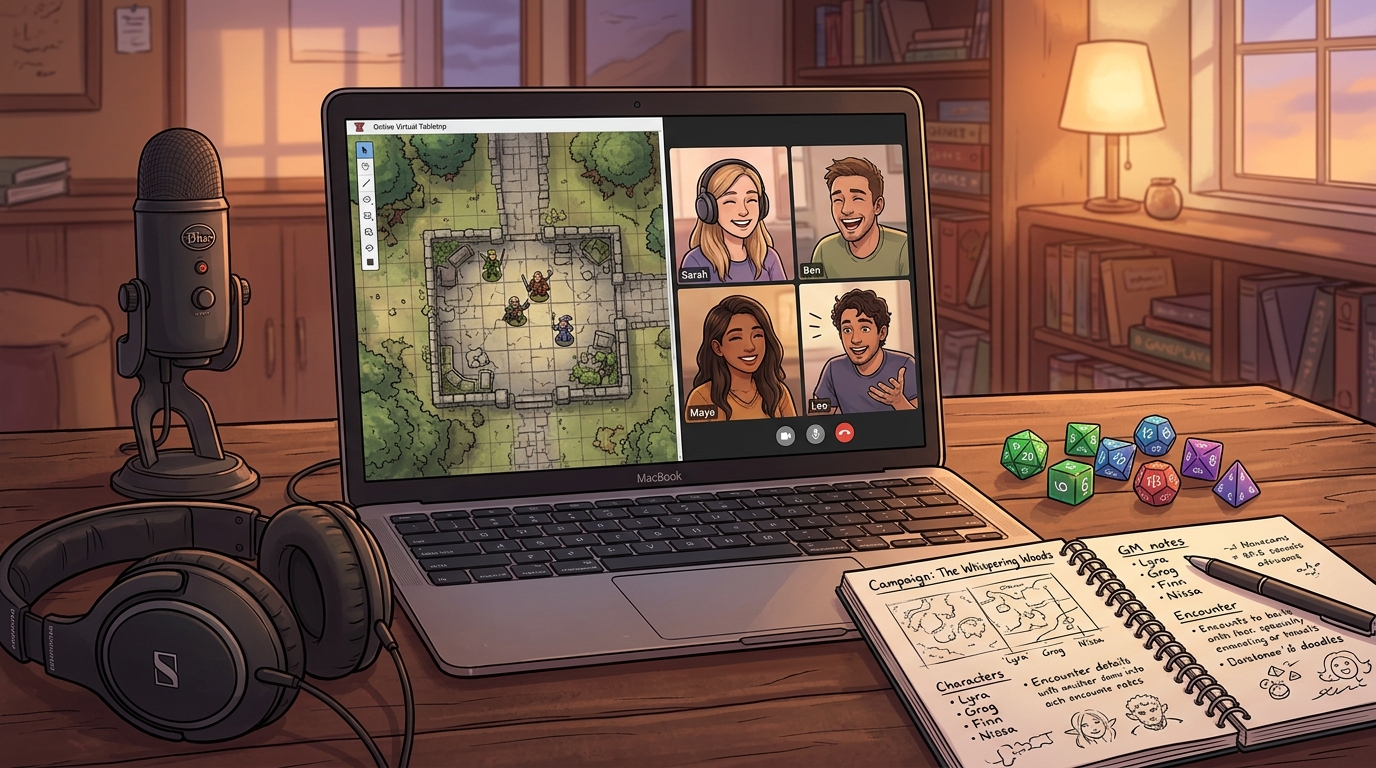
Running a session online does not ask you to learn a second way to game master. Pacing a scene, playing a non-player character (NPC), calling for a roll and knowing when to move on all transfer from the physical table. What changes is narrower: players cannot see your hands, read the room at a glance, or lean over to point at the map. Your first online setup only has to replace hearing each other, seeing anything that must be shared, and knowing whose turn it is to speak. If this online group is also a new group, How do I find a tabletop RPG group to play with? covers recruiting and trial sessions.
The smallest workable setup, by job
| Job | Smallest workable choice | Needed for session one? |
|---|---|---|
| Hearing and speaking | One voice chat the whole group joins, with headphones to cut echo | Yes |
| Character sheets and dice | The sheet and dice method each player already uses, physical dice included | Yes, in some reachable form |
| Shared visual space | One shared map or virtual tabletop (VTT), opened only for scenes that need positions | Only if your game needs a shared map |
| Handouts and images | Images or PDFs shared in one agreed channel, private message or folder | Only the items this session uses |
| Your notes | The notes app or notebook you already keep, private to you | Yes, but the tool is your choice |
| Video | Cameras on for anyone who wants them | No, optional unless the group agrees otherwise |
Is using Discord plus Owlbear Rodeo cumbersome?
No. Two programs is not too many when each one does a job the other does not. The common version of this setup gives voice, text chat and file sharing to the voice program, and gives the shared map, tokens and measuring to the map program. Nobody has to keep both windows in front of them all session: the map matters during exploration and fights, and the voice channel carries everything else.
What makes a setup feel cumbersome is rarely the count of programs. It is switching between several tools for the same job, hunting for a handout across three places, or learning a new feature while a scene is waiting. Keep one home per job, say out loud when you are moving attention to the map, and bring the group back to voice and description when the map stops helping.
Treat any claim about how two named products connect as something to check in those products at the time you set up. You do not need a special connection between them for this setup to work: one carries the conversation, the other shows the shared picture, and you pass links or invites between them by hand.
Prepare the technology before you prepare extra content
Most first-session friction online is joining, hearing and permission trouble, not adventure design. Settle these once:
- Invites and permissions Send the voice invite and the map link early, and confirm each player can join, open the map and move their own token before session day. Check sharing settings on any folder or document while signed out or from a second account if you can, so a private link does not surprise you mid-scene.
- Audio first Ask everyone to use headphones or earbuds, which removes most echo and feedback. Do a brief voice test where each person speaks, rolls a die out loud and says their character name. Quiet players need their input level raised now, not during the opening scene.
- A backup channel Agree where the group goes if voice fails: usually the text channel beside it, or a second call. Write the fallback in the same message as the invites so nobody has to search for it while disconnected.
- Browsers and phones Ask anyone joining from a phone or tablet to open the map link in advance and try moving a token. A small screen can work for following play and rolling, but map editing and reading long handouts are harder there, so plan to describe anything that player cannot comfortably open.
- Safety and boundaries, briefly restated If your group agreed lines, veils or a pause signal in Session 0, restate how that signal works online before play, for example a word in voice chat or a message anyone can send without explanation. A player who has gone quiet may be uncomfortable, muted or disconnected, and the agreed signal removes the guessing. The Session 0 answer covers choosing that agreement.
Replace physical props with timing, not with more files
At a physical table you can slide a letter across, hold up a picture, or place a key in front of the player who found it. Online, the equivalent is control of when something appears. Post the image at the moment the character finds it, send one clue privately to the player whose character noticed it and let that player choose whether to share it, and reveal a map area only when the party can see it. The pause before the reveal does the work the physical hand-off used to do.
Keep each handout to the smallest readable form: a single image or short PDF for a letter or item card, plain text pasted under the image for anyone on a small screen or using a screen reader, and one agreed place to find it again later. Name files for what the characters see, not for what they hide, so a filename does not give away a twist. For deciding what lore belongs in player hands at all, see Should I share worldbuilding notes and lore with my players?. For a full online handout workflow, see How do I give players immersive handouts and props in an online RPG?.
Agree the online norms in the first ten minutes
Physical tables run on glances, raised hands and side remarks. Say the online replacements out loud once, rather than assuming everyone shares the same habits:
- Microphones Choose open microphones in a quiet room or push-to-talk where there is background noise, and agree that people mute while eating, typing loudly or away from the session. Either choice works; a mixed room with no agreement does not.
- Cameras stay optional Do not require video. Some players concentrate better visible, others play from shared rooms or low bandwidth connections. If nobody uses cameras, compensate with names: say who you are addressing, especially when two characters could answer.
- Turn taking and signals Replace body language with short verbal habits. Name the next speaker in busy scenes, say pass when you are done, and use an agreed phrase or chat message for I want to add something, I need a pause, or please repeat that. In combat, announcing who is next serves the same purpose; the combat tracking answer shows a tracker that supports it.
- Breaks and side talk Schedule a short break at a point that suits your session, because nobody can catch your eye to ask for one. Keep table chat and jokes in the voice channel where everyone shares them, and treat private messages during play as the online version of passing a note: fine in most groups, worth one sentence of agreement with a new group.
- Attendance and lateness Agree how long the group waits, who tells the group they are running late and in which channel, and what happens to a character whose player is absent. Online joining is easy to forget precisely because there is no travel involved.
Do online players get distracted more?
There is no good reason to assume so. At home a player has a phone, a second screen and a kitchen, and at a physical table a player has a phone, a rulebook and a conversation beside yours. What online play does remove is your ability to notice drifting attention early, because you cannot see someone stop following. Treat distraction as a pacing and clarity problem before treating it as a respect problem.
Shorter description chunks help in any game because listeners cannot skim spoken words. Online, you also have fewer feedback cues, especially without video. Describe in a few clear sentences, name what the characters can act on, then ask a specific player what they do. Check in at scene changes with a direct question rather than a general are you all still there. If someone has been quiet for a while, give their character a reason to be addressed and accept a short answer; some players follow closely while saying little, in person and online alike.
Pace for voices in separate rooms
Mark scene changes more plainly than you would in person. A sentence such as we leave the inn and cut to the mill at dusk replaces the physical cues of clearing the map and changing your posture. Recap where everyone is standing before a complicated action, and confirm decisions out loud before acting on them, because a nod is invisible and a chat reaction is easy to miss.
Resist adjusting the virtual tabletop while players are waiting on a scene. If a map, token or lighting setting fights you, describe the space, place tokens approximately and fix the detail at the break. Players remember a scene that kept moving; they rarely remember whether a wall line was exact. Prepare only the maps this session is likely to touch, in line with the wider prep in How do I prepare an RPG session step by step?
Example
Worked example: a four player fantasy session, two tools
A game master who has run this group in person moves a four player fantasy campaign online for one evening. The group keeps its usual character sheets and physical dice. Only two programs are opened.
- Before anyone arrives
- The game master posts one message with the voice invite, the map link, and the fallback text channel. The map holds one tactical scene, a mill yard, with four player tokens placed at the gate. A handout image of a miller's notice is saved ready to send with its text alternative for small screens.
- Opening, on voice only
- Everyone joins voice fifteen minutes early for the first night. Headphones on, each player introduces their character in one sentence so names attach to voices. The game master restates the norms: mute while away, cameras optional, say pass when finished, break at the hour. The map stays closed.
- Exploration, still on voice
- The party questions the miller and searches the yard, described entirely in words. When a player searches the office, the game master privately sends her the notice image and its text alternative. The game master does not read the warning aloud; the player decides whether her character shares it with the group, preserving the choice of a physical hand-off.
- The fight, map open
- When watchmen rush the yard, the game master says we are moving to the map and gives everyone a moment to open it. Players move their own tokens; the game master tracks initiative and hit points on a paper list beside the keyboard. Nobody opens a third program, and dice stay physical because the group trusts spoken results.
- Close, map closed again
- After the fight the map closes and the recap happens on voice. If the finder chose to share the warning, the notice and its text alternative stay in the group channel for anyone to reread; otherwise they remain private. The game master confirms the next date and one thing that worked technically. Total new habits learned by the players: join this call, open this link when asked, say pass.
- Why it works
- Each program kept one job, the map appeared only when positions decided something, and the handout landed as an event rather than a file in a folder. The game master ran the same session they would have run in person, with joining and signalling agreed in advance.
An example preflight, adjusted to your setup
Run this before the first online session, and repeat the first four items before each session after:
- Send one message containing the voice invite, the map link if you use one, and the agreed backup channel.
- Open the voice call early, put headphones on, and speak a test sentence at normal game volume.
- Confirm every player can join, be heard, open the map and move their own token.
- Check that handouts and shared documents open with the permissions you intended.
- Place only this session's maps and tokens, and close every unrelated tab and program.
- Put your tracker, notes and any private clues where players cannot see them on a shared screen.
- Post the session's one handout or image where you can reach it in one click, with a plain text version ready.
- Write down the opening line, the break time and the fallback plan if voice fails.
What not to overbuild
Skip the automation spree before session one. Macros, automated effects, music bots, dynamic lighting on every map and a wiki players must read all add things to learn and fail in front of an audience. Do not require cameras, digital dice or a new notes system without a reason.
Wait for a specific gap before adding a tool: try markers if tracking conditions was hard, or agree a folder if players could not find old handouts. The session engagement answer is a better next step than more software once the basics hold.
Was this useful?
Where Codex Cryptica fits
For this first session, keep your chosen voice and map tools; Codex Cryptica can hold the linked campaign notes beside them. Keep NPCs, places and factions connected, open your prep while describing a scene, and add the recap afterwards so the next session starts from what happened.
See the campaign managerRelated
Tools
- Campaign manager Organise NPCs, places and session notes in one campaign view you can keep open beside the call.
- RPG knowledge graph See how the people and places in your session notes connect when you need a name mid-scene.
Other answers
- How do I give players immersive handouts and props in an online RPG?
- How do I run a successful Session 0?
- How do I prepare an RPG session step by step?
- Should I share worldbuilding notes and lore with my players?
- How do I track monsters, initiative, and hit points during D&D combat?
- How do I find a tabletop RPG group to play with?
- How do you make a tabletop RPG session more engaging?