Comparison
How do I organise my GM notes and references when running an RPG in person?
Bring a session-facing subset to the table, not the whole campaign file: one page of what might matter tonight, a few reference pages you can reach without scrolling, somewhere to catch names and decisions as they happen, and a place the session gets filed afterwards. Paper, tablet and laptop all do that job, so choose by how fast you need an answer and how much screen you want sitting between you and the players.
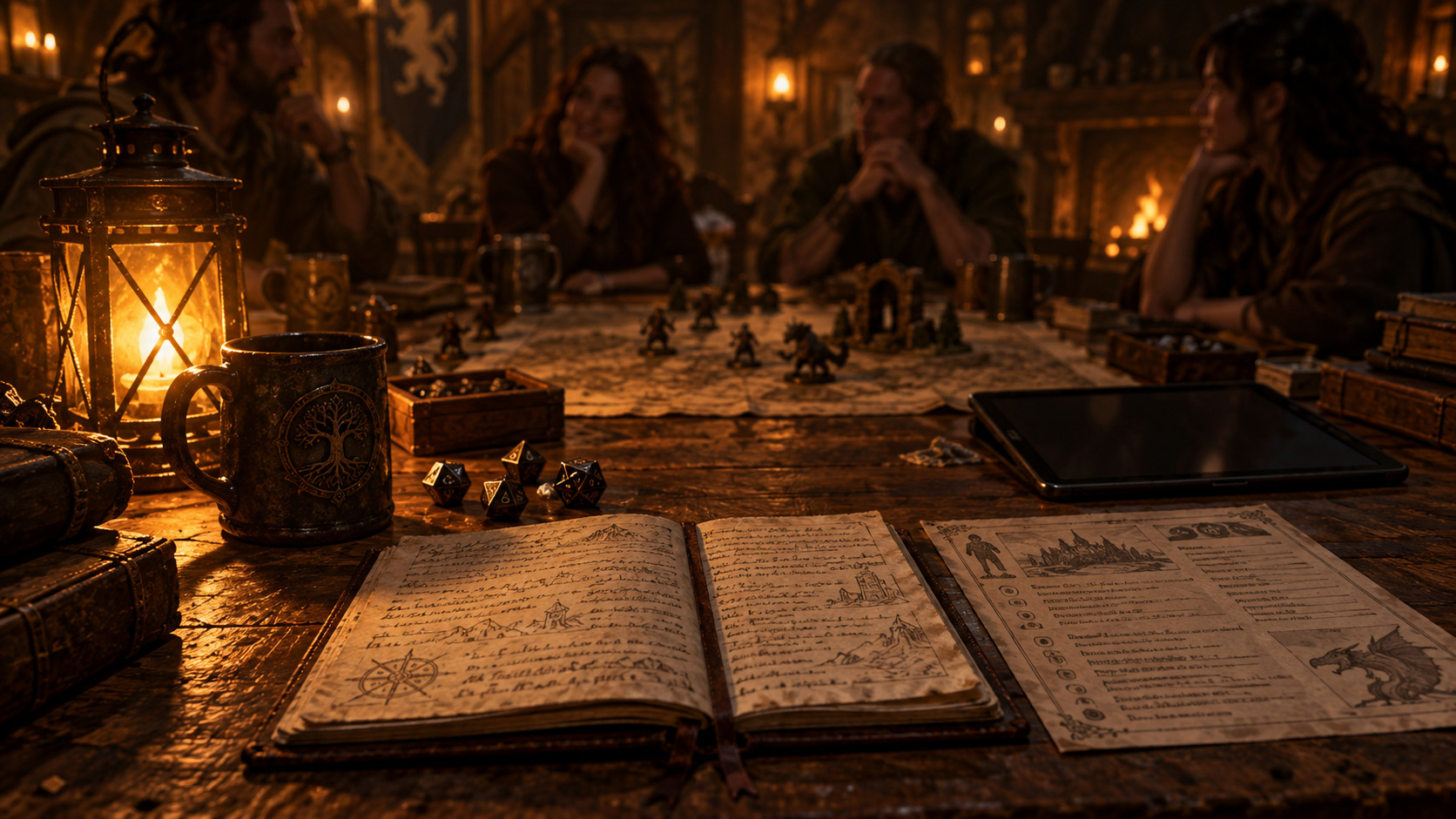
Your campaign file and your table sheet do different jobs
Campaign notes are organised for later retrieval: one durable page per person, place and faction, plus a dated log of what happened. That structure suits storage and fights you at the table, where the question is always narrower. In the next ten minutes, what might matter?
The friction GMs report is rarely missing notes. It is scrolling a two-year document while four people wait, hunting a map three folders deep, or finding that the NPC's name only ever went into last week's log.
Four jobs your table setup has to do
Whatever hardware you settle on, the same four pieces of work are waiting for you.
- Prep and reference Rules sections, setting notes, NPC details, maps and PDFs you expect to consult while running. This is the pile you assemble before anyone arrives.
- Session dashboard Only what is likely to matter tonight: the scenes you plan to run, the names likely to come up, the numbers you will be asked for. It should fit one screen or one sheet.
- Live notes Names, decisions, promises and consequences caught as they happen. Written fast and badly on purpose, then cleaned up later or not at all.
- Campaign record What survives the evening. Live notes are the raw material for this, and they are not a substitute for a pass afterwards.
A setup that mixes these jobs gets slow in a predictable way. The dashboard buried in the campaign file has to be rebuilt every session, and live notes written straight into the record end up scattered across pages you later have to reconcile.
Five common setups, compared
None of these wins outright. Each trades table space against speed of access against how much screen stands between you and the players.
- Paper notebook Tiny footprint, opens instantly, needs no charge, no password and no network. Search is the weak point: last month's name means flipping pages, so rules-heavy games leave you copying stat blocks out by hand. Rules-light games, where you mostly look at the players and your own notes, run very well here.
- Printed cheat sheets and binder Print only what the next session needs: a name index, a map, the half-dozen tables you actually use. Strongest option for rules-heavy play, because the page you need is already open and the screen barrier disappears entirely. It costs preparation time and a growing stack of paper, and searching a pile older than a few sessions is slow.
- Tablet Holds the entire campaign at a fraction of a laptop's footprint and lies flat, so eye contact survives. Faster to search than paper, easy to sketch a map on, workable for live notes with a keyboard attached. The screen is still a barrier and apps still interrupt, which silencing the device mostly fixes. Best when you want depth without bulk.
- Laptop Best search, easiest typing for long live notes, and it handles PDFs, maps and virtual tabletops without compromise. It is also the largest object you can put on the table, and a raised lid is a wall. Rules-heavy games that need a rulebook PDF and a tracker tend to land here anyway, which is a reason to be honest about the wall.
- Hybrid setup Deep campaign material stays digital where search works, a printed or single-screen session sheet faces you, and scratch notes go somewhere disposable. Reference on the screen, capture on paper. It costs a little assembly each session, which is exactly why the session sheet has to be quick to build.
What belongs on a GM session sheet
One page, copied out of tonight's material rather than linked to it: a line of what happened last time, the scenes you intend to run with a single goal each, the names and places likely to be mentioned with one line each, the rules you always have to look up, the current numbers players ask about, and the open threads you want in play.
Too much is any amount you would have to read rather than glance at. If you are reading a paragraph to answer a question you just asked yourself, the sheet is carrying campaign material instead of session material.
Turning campaign notes into session notes is copy and trim. Pull the entity pages that could matter tonight, take the two or three lines you need from each, and leave the links behind. Anything you catch yourself copying twice belongs on the sheet permanently; the rest goes back in the file.
Keeping NPC, faction and location references findable
Give every NPC, faction and location one page with the same shape: two sentences you can read aloud cold at the top, then connections, what the players know, and open threads. At the table you want one place per thing, not a folder you search.
Two short lists carry most of the load during play. The first is an alphabetical name index for the session, people, places and factions, one line each. The second is what is currently in play: active debts, open threats, promises made, events already scheduled. Print both, or keep them as the first page you open.
A single NPC reduced to what tonight needs looks like the table card below, which is the shape worth aiming for whenever a character is about to matter.
Example
The same session on two different table setups
A rules-heavy game, four players, a lot of names. The party is due to meet a contact, a rival crew and a tax collector, and someone will ask about a debt agreed three sessions ago.
- The default setup
- The campaign vault is open on a laptop and a binder of printouts sits beside it. During play the laptop becomes a search window: the contact's name is in session 14's log, the debt is on the faction page, and the tax collector's incentives are in a PDF. Every one of those lookups pulls the GM's eyes down while the table waits.
- The session-facing setup
- The same material, trimmed. A one-page sheet carries the three names with a line each, the debt amount and who is owed, and two scenes with their goals. Reference sits on a second page behind it, the binder stays closed, and names the players invent go onto a blank half-sheet.
- Why it works
- Lookup becomes recognition rather than search, so the GM keeps eye contact and the table keeps momentum. The half-sheet then becomes the first lines of the session log, which is the campaign record already captured for the night.
Before you sit down
Run this pass before every session, not just the hard ones:
- Build the session sheet from tonight's campaign pages, one line per name you expect to come up.
- Open or print only the reference you need for this session and leave the rest of the campaign file closed.
- Decide before play where live notes will go, and keep that place empty and one reach away.
- Put the rules sections you always look up in one physical place or one bookmark folder.
- Charge everything, then test it cold: pull one reference as though the session had already started.
- Silence every device at the table that could interrupt you while you are running the game.
Was this useful?
Your campaign manager does not need to be your table interface
Codex Cryptica holds the deep side of this arrangement: one page per NPC, faction and location, links between them, and a graph you can browse during prep. Building the session sheet is then a matter of pulling the handful of pages that could matter tonight and copying out the lines you need, with no reorganising required.
It does not replace what you put on the table. Print the sheet, keep the scratch paper, use a tablet if that is what works. The campaign file stays useful whether or not it is open during play, and local Markdown export means the notes outlive whichever tool wrote them.
See the campaign managerRelated
Tools
- RPG campaign manager The entity pages and links a session sheet gets copied out of, rather than carried to the table in full.
- Local-first RPG campaign manager Why the campaign file is plain files on your own machine, which is what keeps it readable long after a tool changes.
Other answers
- How much prep do you need for an RPG session?
- How do you prep a weekly RPG session quickly?
- How do you organise RPG campaign notes?
- What should I look for in an RPG campaign manager?
- How do you keep track of NPCs in a long campaign?
- How do you recap a TTRPG session?
- How do I start GMing for the first time?