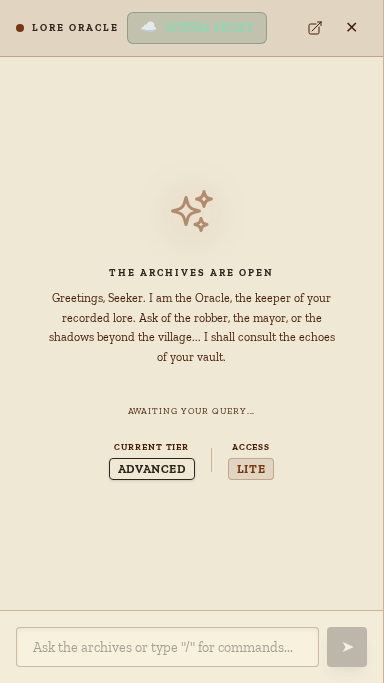
You're mid-session. Your players just cornered an NPC you invented on the spot, demanding his backstory and a portrait. In thirty seconds, you have a family tree, a dice roll result, and a generated image. That's not magic — it's the Lore Oracle.
The Oracle is the AI engine embedded directly in your Codex. It's not a generic chatbot; it has read every note you've written and is ready to act on them as soon as you type /. This guide covers every capability — from the utility commands that work offline to the AI-powered features that transform your narrative.
The Two States of the Oracle
- AI Disabled — Turns off the AI engine. Natural language chat,
/plot, and/draware disabled, but deterministic commands like/roll,/create, and/connectstill work instantly and offline. - AI-Powered Mode — Unlocks full natural language reasoning, narrative analysis, and image generation using the OpenAI/Luna API.
Utility Commands: Instant Improvisation
These commands are deterministic, fast, and always available. They help you maintain momentum without leaving the Codex or fumbling through menus.
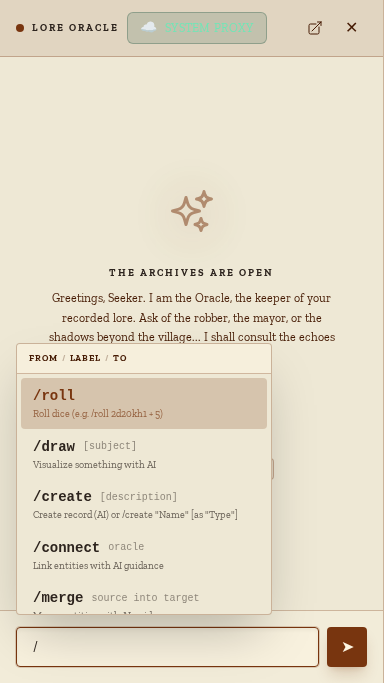
/roll — The Built-In Dice Tower
The Oracle's dice engine understands standard RPG notation, including advantage, disadvantage, and complex keep-highest (kh) or keep-lowest (kl) modifiers.
/roll 1d20/roll 2d6+3/roll 4d6kh3
Every result is logged to a persistent Roll History, ensuring fair, cryptographically randomized rolls you can review anytime.
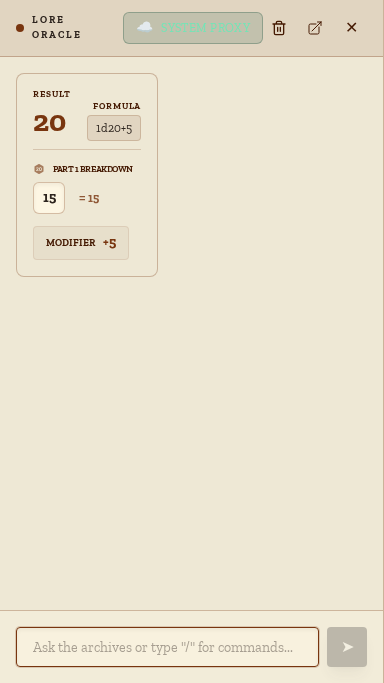
/create & /connect — Rapid World-Building
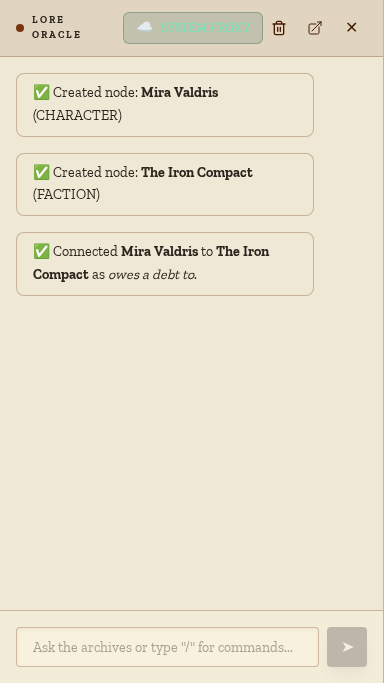
When you invent an NPC or a new faction mid-play, use these to make them permanent.
/create "Mira Valdris" as "Character"— supported types include Character, NPC, Faction, Location, Item, Event, and Concept./connect "Mira" owes a debt to "The Iron Compact"— the text between names becomes the relationship label on your graph.
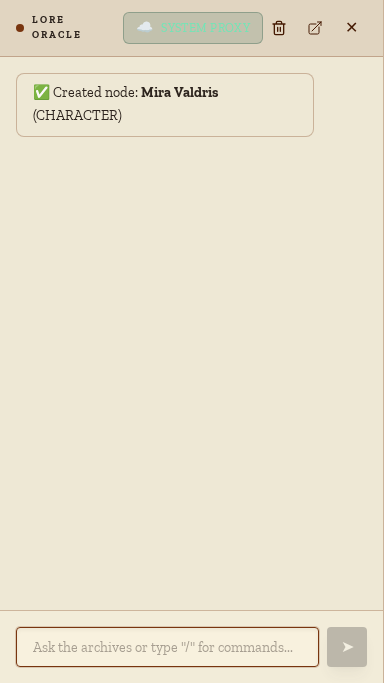
/merge — Consolidate Duplicate Lore
Tidy up your notes when you realize "Harkon the Grey" and "The Grey Wizard" are the same person.
/merge "Harkon" into "Harkon the Grey"— all connections are transferred to the target, and the duplicate is removed without losing any data.
AI-Powered Features: Your Digital Co-GM
When the Oracle is in AI-Powered Mode, it becomes a genuine creative collaborator that understands the context of your specific world.
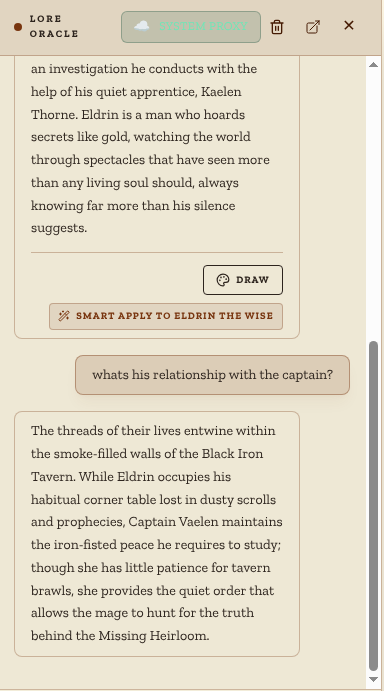
Natural Language Chat (RAG)
The Oracle uses Retrieval-Augmented Generation (RAG), meaning it searches your archive for relevant entities before answering. It doesn't just chat — it acts as your world's ultimate expert.
- "Who are the most dangerous political figures in the Ironwall province?"
- "What would be the most likely reason the Crimson Veil would target a scholar?"
/plot — Narrative Tension Analyst
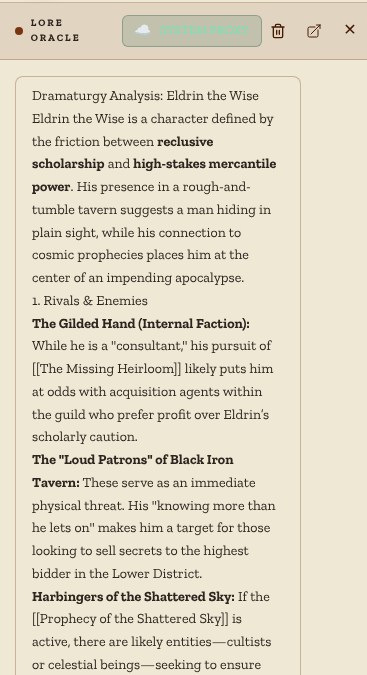
The Oracle doesn't just invent drama; it "excavates" it from the connections already in your archive. Give it an entity, and it reveals hidden rivalries, secrets, and risks.
/plot Harkon the Grey/plot tensions at The Shattered Crown
/draw — Instant Art Department
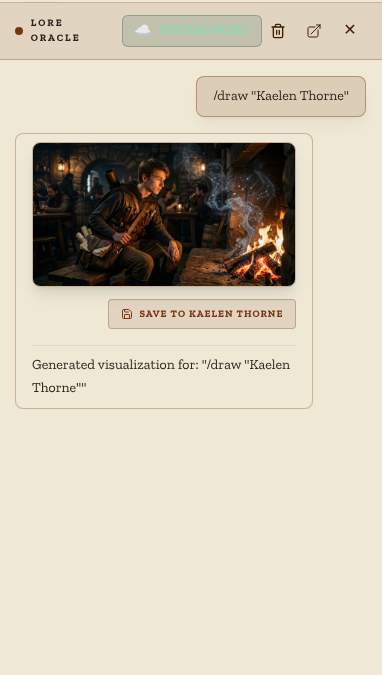
Generate character portraits or location backdrops without leaving the app. Images are saved to your archive and linked directly to the relevant entities.
/draw a shadowy figure in a ruined throne room, oil painting/draw Zareth Voss, menacing merchant in a fur-lined coat
The AI-Guided Wizards
For more complex decisions, use the Oracle's collaborative modes:
/connect oracle— Analyzes your archive and proposes meaningful connections you may have missed./merge oracle— Reviews potential duplicates and suggests consolidation targets with logical reasoning.
Workflow: Improv to Lore
The Oracle's commands are designed to compose into a seamless narrative pipeline:
- Improvise:
/create "Zareth Voss" as "NPC"the moment he's named at the table. - Connect:
/connect "Zareth" blackmails "The NPC Group"as the conversation unfolds. - Analyze: Run
/plot Zareth Vossafter the session to generate next week's dramatic hook. - Visualize: Run
/draw Zareth Vossand pin the resulting image to his entity card.
Summary Table
| Command | Mode | What it Does |
|---|---|---|
/roll |
Any | Deterministic dice rolling |
/create |
Any | Instant archive entity creation |
/connect |
Any | Labeled relationship creation |
/merge |
Any | Consolidate duplicate entities |
/help / /clear |
Any | System utilities |
| Chat | AI | RAG-powered world Q&A |
/plot |
AI | Narrative tension analysis |
/draw |
AI | Image generation |
/connect oracle |
AI | AI-guided relationship analysis |
/merge oracle |
AI | AI-guided duplicate review |
Ready to meet your co-GM? Open the Oracle from the sidebar and type /help to get started.
For more tips on organizing your world, see our guide on Supercharged Discovery: Mastering Filters and Labels.