How to
How can I make free custom maps for online tabletop RPGs?
You do not need a paid map editor or finished artwork. For most online sessions, a blank grid with simple draw tools in a virtual tabletop (VTT) works like the whiteboard at a physical table: sketch walls and terrain as lines and shapes, drop on tokens, and play. Make the map in whatever free tool suits the job, then run it in the VTT; those are two separate jobs, and the second one is often just showing a grid or an imported image at the right scale.
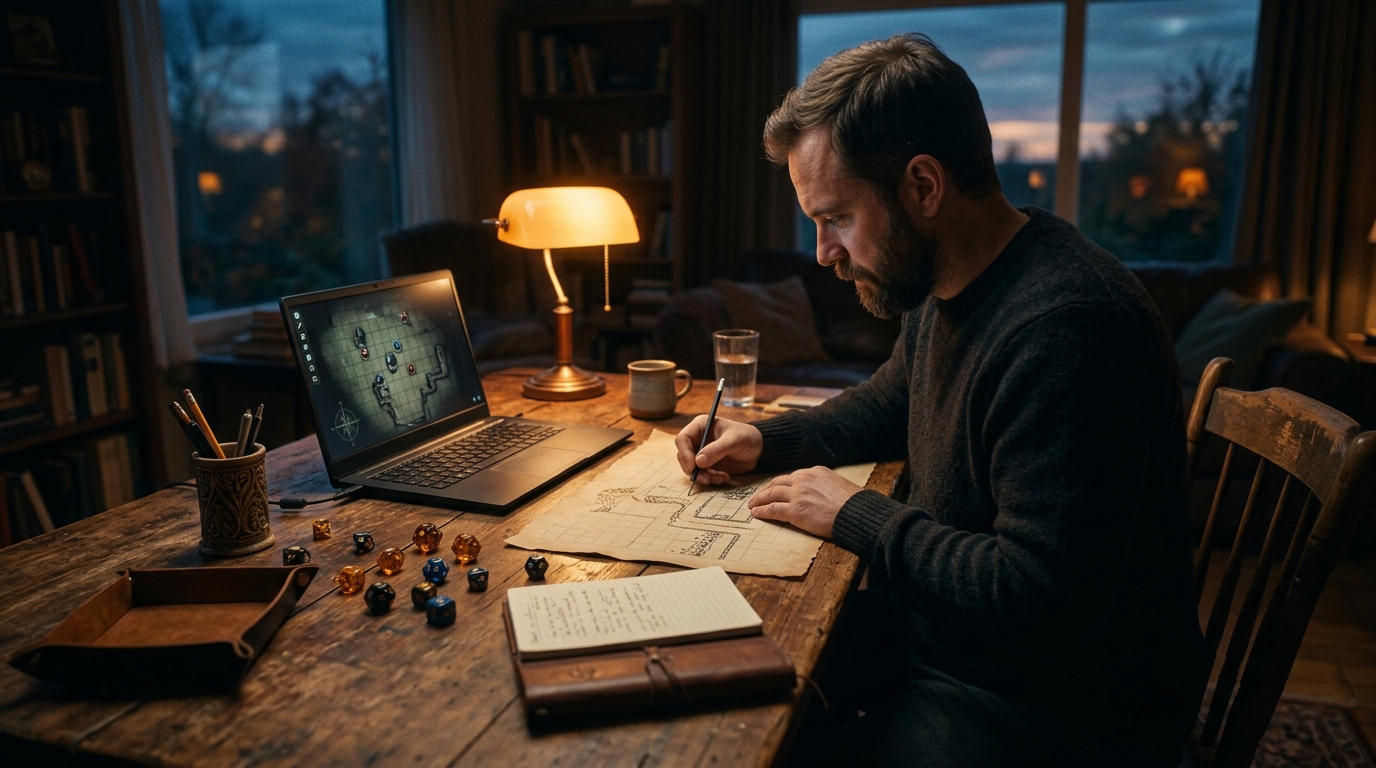
Three jobs that are easy to confuse
A virtual tabletop (VTT) is the shared online surface where players see the map and move tokens. A map editor is where you draw or assemble the picture beforehand. Live drawing is sketching on that surface during play, when a fight breaks out somewhere you did not prepare. A single program may do more than one of these jobs, but you do not need one that does all three.
That distinction answers the whiteboard question directly. If you improvised on a whiteboard in person, what you need online is a VTT or shared canvas with a blank grid and basic draw tools, checked before the session, not an illustration program. If you prefer to prepare, you can make or find the picture elsewhere and only ask the VTT to display it under a grid with tokens on top.
Choose by need and preparation time
| Approach | Best for | Trade-off to check |
|---|---|---|
| Live shared drawing: Excalidraw | Whiteboard-style improvisation during play: enable Grid mode, agree what one cell represents, sketch walls and terrain, use labelled shapes as markers, then start Live collaboration and share the invitation link | Grid mode supplies the lines, but there are no RPG tokens, fog or automatic game-distance measurement, so judge movement by the agreed cell size |
| An image to export: Dungeon Scrawl | A prepared room or dungeon you draw before the session, then export and drop into your VTT. This is the starting route used in the worked example below | Its free tier covers creating and saving maps and exporting them as PNG or WebP images, with square and hex grids and no sign-up. Higher-resolution and PDF export, commercial use and extra layers and textures sit in its paid tier |
| A ready-made layout: Watabou One Page Dungeon | A complete dungeon layout in seconds when exact room placement does not matter | It supplies a reusable generated map you can export as an image, but the generator decides the layout. Regenerate or redraw parts when you need a specific room, entrance or secret door |
| Tiles, modular pieces or an existing map image | Dungeons you will rearrange across sessions, art made in another program, a hand-drawn scan, or a free map published for reuse | Some setup while you gather pieces that share a scale and style. For a borrowed image, check the usage rights, then spend your time on scale and grid alignment rather than drawing |
The minimal workflow, start to shared screen
- Pick the surface first: the VTT or shared canvas your group will actually open, with a grid you can show or hide.
- Sketch the space in straight lines and simple shapes, or import an image. For an imported image, count the squares across it, tell the VTT that span (or the pixels per square, if it asks for that instead), then nudge the grid offset until its lines sit on the lines in the picture.
- Set the scale once: what one square or hex means in your game, and whether tokens snap to it. If the picture already draws its own grid, hide the VTT's visible grid overlay where the tool lets you keep snapping without showing a second grid, then drag one token across several squares and check that the move and any ruler reading count the same squares the picture shows.
- Add one token per character and one per independently positioned opponent, named plainly enough to tell apart at small size. Use a single shared marker only when your rules, or the level of detail your group plays at, genuinely treat those opponents as one group.
- Look at the player view before the session. Hide secret rooms, and set fog or hidden areas if the VTT supports them and the scene needs them.
- Share the link or invite early and have each player open the map and move their own token once, before session day.
Example
Worked example: a mill yard made in Dungeon Scrawl, then imported
A first-time online game master needs a fight outside a mill tonight and has no map. She starts with the Dungeon Scrawl route from the table above, rather than shopping for artwork or learning a full editor.
- Draw only what decides the fight
- She draws the mill as a rectangle along the top edge, a river down one side, and the yard fence as a broken line with a gate gap. Three crates become small squares that can block sight and give cover. The shapes carry the decisions; nothing needs colouring in.
- Export and calibrate the import
- She exports the drawing as a PNG and imports it into her VTT. The export is 2,000 pixels wide and spans 20 squares, so she sets the VTT grid to 20 squares across (100 pixels per square, in a tool that asks that way) and nudges the offset until the two grids coincide. Because the picture already shows a grid, she hides the VTT's visible overlay, keeping snapping on. A token dragged five squares across the yard reads as five squares on the ruler, so movement, token size and the printed squares now agree.
- Set scale and tokens
- She sets one square to the movement step her rules already use, places four player tokens at the gate, and puts two watchman tokens by the mill door. Each token gets a short name, so nobody has to ask which marker is theirs on a phone screen.
- Check the player view
- She switches to the player view and finds the office interior visible, so she covers it with fog until someone opens the door. She then sends the map link in the group chat and each player moves a token once to prove the permissions work.
Practical choices that affect every map
- Square or hex grid Squares suit buildings, streets and most published battle maps because walls run along edges. Hexes suit overland travel and open ground because distance reads the same in more directions. Follow the convention your rules already assume where they assume one, and stay consistent inside a single map.
- Grid, or no grid Turn the visible grid off when the picture already carries one, or when you only need rough positions and will measure or judge distances in words. Keep it on when movement, reach and area effects are counted in squares or hexes.
- Export and image size If you make the picture outside the VTT, export a common image format such as PNG or JPG. Work out the width you need from the calibration in the worked example (squares across multiplied by pixels per square), then check it against the destination VTT's upload limit and reduce the pixels per square if you exceed it. Let that limit, not a fixed file-size rule, decide the export size, and keep a smaller export ready for players on weaker connections.
- Draw before, or draw live Prepare maps for fights you know are coming and where cover, doors and sightlines matter. Draw live for the unplanned scuffle, using lines and labelled shapes, and accept the plainer look as the price of speed.
- Rights to reuse a map Free to download does not always mean free to share or adapt. Before you post someone else's map to your group space, stream it, or publish your session material, check the maker's stated terms. Your own sketch carries none of that doubt, which is another reason the blank grid is a sound default.
When the blank grid stops being enough
Upgrade the picture when players repeatedly misread the sketch, when a location returns often enough to repay the drawing time, or when terrain itself is the puzzle and needs to be legible at a glance. A market square used once for a chase needs four labelled shapes. The thieves' den the party will raid three times earns walls, doors and a second pass.
For choosing among fuller map-making tools by job, world, town, dungeon or hexcrawl, see What RPG map-making tool should I use?. For the wider first-session setup around the map, voice, sheets and rehearsal, see How do I run my first online tabletop RPG session?.
Before you share the map with players
- Open the map in the player view and confirm secret areas are hidden, not just unlabelled.
- Move every token once, including one player token, to prove the permissions are right.
- State the scale out loud in the group chat: what one square or hex means, and whether tokens snap to the grid.
- Check the picture loads quickly on the weakest connection in the group, and keep a smaller export ready if it does not.
- Write down which parts you will draw live, so an unplanned fight does not stall while you hunt for drawing tools.
- If the map is not your own work, note where its reuse terms allow you to use it.
Was this useful?
Where Codex Cryptica fits, and where it does not
Codex Cryptica can present a map image on a configurable grid with tokens and fog, so an image you sketched, generated or imported can be shown and played on beside your campaign notes, with your vault stored on your own device rather than on a subscription server. It is a place to run a prepared map, not a sketching tool: it does not offer freehand drawing directly on the VTT grid, so the live whiteboard job still belongs to a draw-capable surface or to a quick image you prepare and import. Its Spatial Canvas is a separate freeform planning board with pencil and eraser sketching and no grid snapping, which suits laying out ideas rather than measuring tactical movement on a gridded map.
For the operational next step, follow the [VTT overview and setup](/help#help/vtt-session) for presenting the prepared map with tokens.
About the local-first campaign manager