Framework
How do you track faction turns between RPG sessions?
A faction turn should answer one question: what changed in the world while the players were busy elsewhere? Track it with a five-step record for each active organisation: define its immediate intent, choose one action against a specific target, resolve the outcome, surface a visible consequence in the game world, and log the change on your campaign timeline. Limiting each organisation to one action per downtime cycle keeps that answer clear without turning prep into spreadsheet bookkeeping.
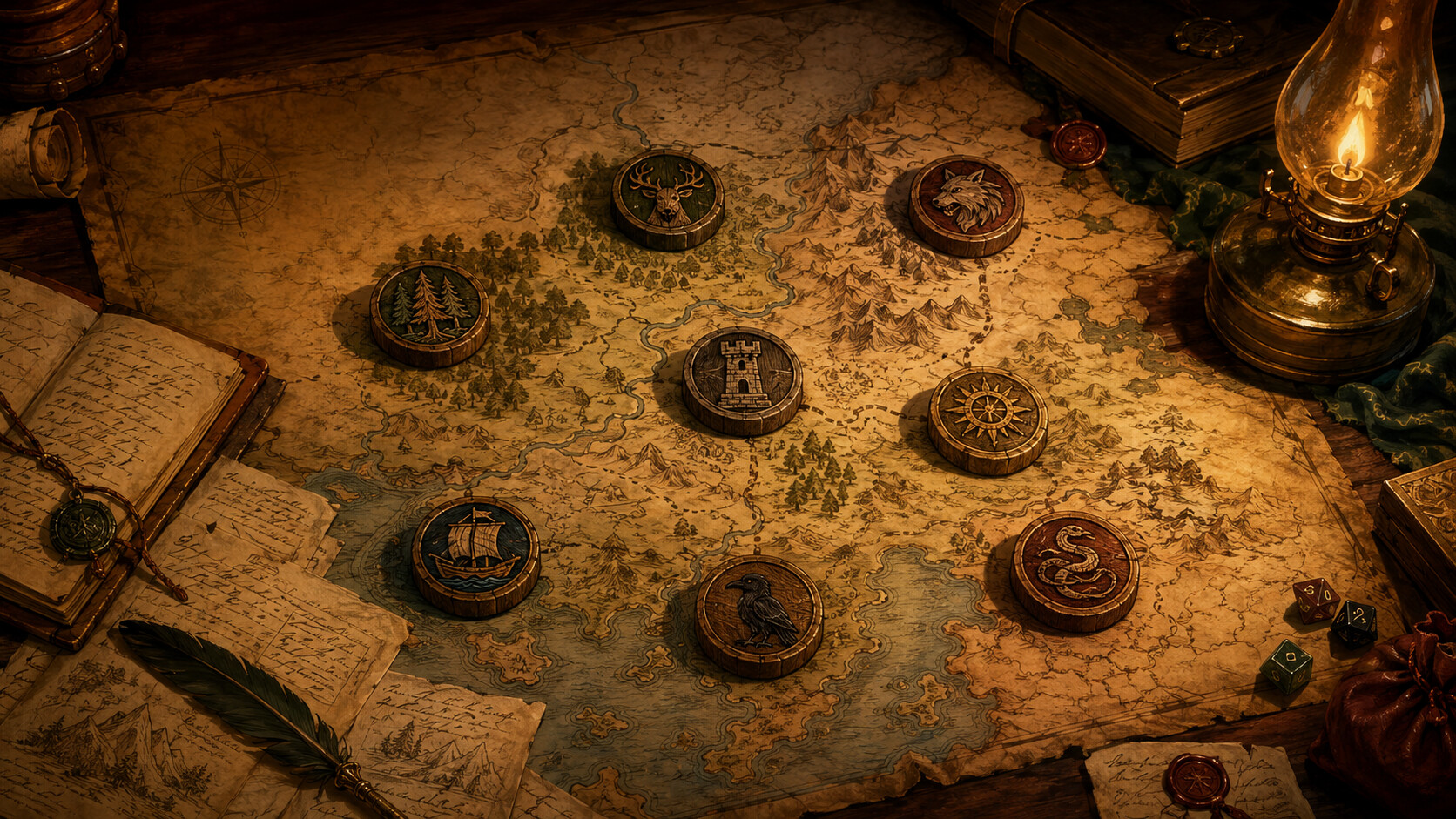
A faction turn only needs to answer one question
As more factions become active, it's easy to lose track of who acted, what changed, and which consequences the players have actually seen. A GM trying to be thorough can end up tracking resources, rosters, and rival moves for organisations nobody at the table is thinking about, and a tool meant to save prep time turns into more prep.
A faction turn should answer one question: what changed in the world while the players were busy elsewhere? An off-screen organisation needs only enough structure to say what it tried to do, who it targeted, what evidence it left behind, and what changed on the campaign map — everything else is detail in service of that answer.
The five-step faction turn loop
Resolve each active organisation during between-session prep using five focused steps:
- Define the intent Identify what the faction needs right now to advance its agenda. Keep this specific to a single objective, such as seizing an abandoned watchtower, blackmailing a town magistrate, or cornering the salt trade, rather than a vague multi-year ambition.
- Select a targeted action Choose how the faction pursues that intent this cycle. Standard moves include expanding territory, seizing an asset, infiltrating a rival, forging a pact, or sabotaging an enemy holding. Always name the specific NPC, location, or rival involved.
- Resolve the outcome Decide whether the move succeeds, stalls, or triggers a setback. In narrative systems, compare the faction's standing and resources against its target. In dice-driven games, make a single opposed roll or advance a progress clock.
- Surface a visible consequence Translate the result into tangible evidence the players encounter next session. A failed infiltration leaves an arrested spy in the stocks; a successful raid leaves smoke on the horizon, displaced villagers on the road, and doubled sentry watches at the gate.
- Log what changed Record the result as a dated entry on your campaign timeline and update the faction's relationship to its target. Logging it immediately avoids contradictions later, when players ask when the docks burned down.
Example
Worked example: resolving the Ironmongers between sessions
The Ironmongers Guild wants to shut down an unlicensed foundry operated by a smuggling ring in the river quarter. Compare resolving this through spreadsheet simulation against the five-step loop.
- The spreadsheet simulation trap
- The GM tracks gold reserves, payroll, and a roster of hirelings across several notebook pages, then spends forty minutes rolling skirmishes between guards and smugglers. None of it reaches the table — the players just hear that scrap prices went up.
- The five-step turn loop
- The GM notes the intent (choke off the foundry's fuel supply), picks an action (bribe river gatekeepers to impound charcoal barges), resolves a simple check with a complication, and notes one visible consequence: the city watch halts all river traffic at the watergate to search cargo, creating an angry queue of boatmen. The GM logs the timeline entry: '24th of Sunwane: Ironmongers blockade watergate; river quarter coal prices double.'
- Why it works
- The turn resolves in two minutes, creates an immediate physical obstacle the party must navigate when trying to leave town by boat, and attaches an unambiguous historical record to both the guild and the harbour.
Limit active turns to organisations in the party's orbit
A common mistake is attempting to run between-session turns for every nation, cult, and syndicate on the world map. Restrict active turns to three or four factions that currently matter to the party. Distant factions can advance on broad seasonal milestones when the party travels to new regions.
When the players deliberately ignore an active faction's move, that's still information worth acting on. If nobody is meaningfully opposing it, consider letting the move succeed without a roll — unopposed momentum makes the campaign world feel alive. If another faction or some other obstacle still stands in the way, resolve it normally, perhaps from a stronger position. When the party chooses to pursue a dungeon rumour rather than guard the granary, the grain cartel might complete its monopoly on schedule and the town faces food rationing, unless a rival guild or a bad harvest gets there first.
Between-session faction turn checklist
Complete this sequence before concluding your session prep:
- Pick no more than three or four factions active around the party.
- Assign each faction one specific action targeting a named NPC, location, or rival.
- Resolve the action with a single opposed check, a clock tick, or a plain comparison of who has the advantage.
- Note at least one visible consequence the players will notice or hear about next session.
- Update the relationship links on your campaign map and log the outcome on the timeline.
Was this useful?
Systems built for this
- Stars Without Number
Between player adventures, organisations spend FacCreds, manoeuvre discrete Force, Cunning, and Wealth assets across the sector map, and execute attacks against rival holdings to pursue designated faction goals.
- Reign
The Company rules treat organisations as characters with five core qualities, resolving large-scale moves between player adventures through a single pool roll for actions such as attacking territory, countering infiltration, or improving wealth.
- Blades in the Dark
During downtime between scores, the GM advances segmented progress clocks for active city factions by rolling a fortune roll based on faction Tier, letting rival schemes develop off-screen without requiring detailed tactical simulation.
Connecting faction activity directly to the campaign graph
In Codex Cryptica, organisations are first-class campaign entities connected directly to the locations they control, the rivals they oppose, and the NPCs they employ. When a faction turn resolves, updating the relationship between the organisation and its target updates your interactive campaign graph immediately, rather than leaving notes scattered across loose session recaps.
Logging turn outcomes directly into the campaign timeline establishes a chronological history for every organisation. You can inspect any faction's past actions at a glance, verifying when rivalries flared or territory changed hands without searching through months of notes.
Manage campaign factions in Codex CrypticaRelated
Tools
- Faction generator Generate factions with distinct agendas, resources, and rivalries ready for your campaign.
- Council vote generator Turn political faction moves into dramatic voting scenes with shifting NPC allegiances.
- Quest hook generator Transform faction turn consequences into actionable adventure hooks for your players.
Guides
- Sandbox RPG Campaigns Run player-directed sandbox campaigns with live relationship maps and active faction tracking.
- Fantasy Worldbuilding Organise interconnected factions, history, and lore across an evolving campaign setting.
Other answers
- How do you run factions in a sandbox campaign?
- How do you create a fantasy faction?
- How do you manage a campaign timeline in an RPG?
- How do you organise NPC relationships?
- How do you track unresolved plot hooks in an RPG campaign?
- How do you run a scene with multiple NPCs without talking to yourself?
- What RPG works for political intrigue and faction play?
- How do I run political intrigue and faction play in an RPG?
- How do I build a believable constitutional crisis or coup in a fictional government?
- How do I make a player base matter in an RPG campaign?
- What should players be able to upgrade in an RPG base?
- How much of the plot should a DM prepare?
- How do I make rival captains, navies, and pirate factions matter?
- How do I make a campaign threat feel urgent without railroading the players?
- How do I organise a D&D campaign and keep track of NPCs, factions and quests?